Image examples
See how a change of format, lighting and wording gives each product its own campaign.
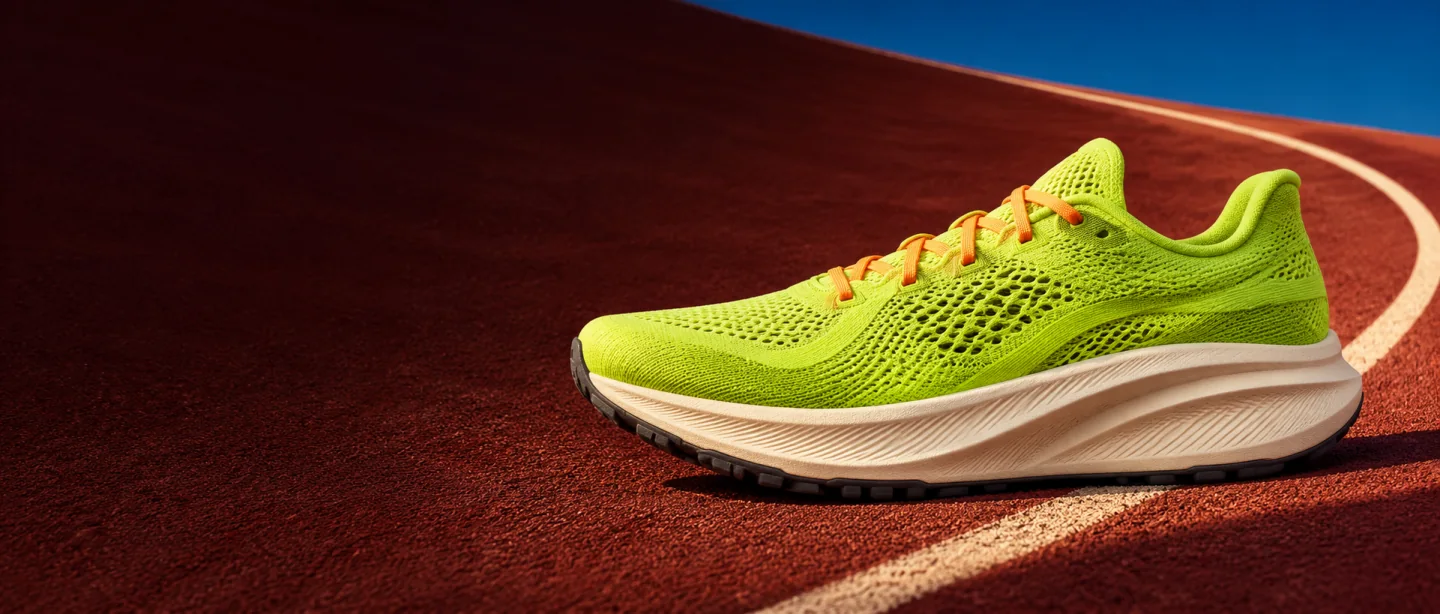 Run
club.
Running club banner
Place the trainer on the right and leave the darker part of the track clear for a headline.
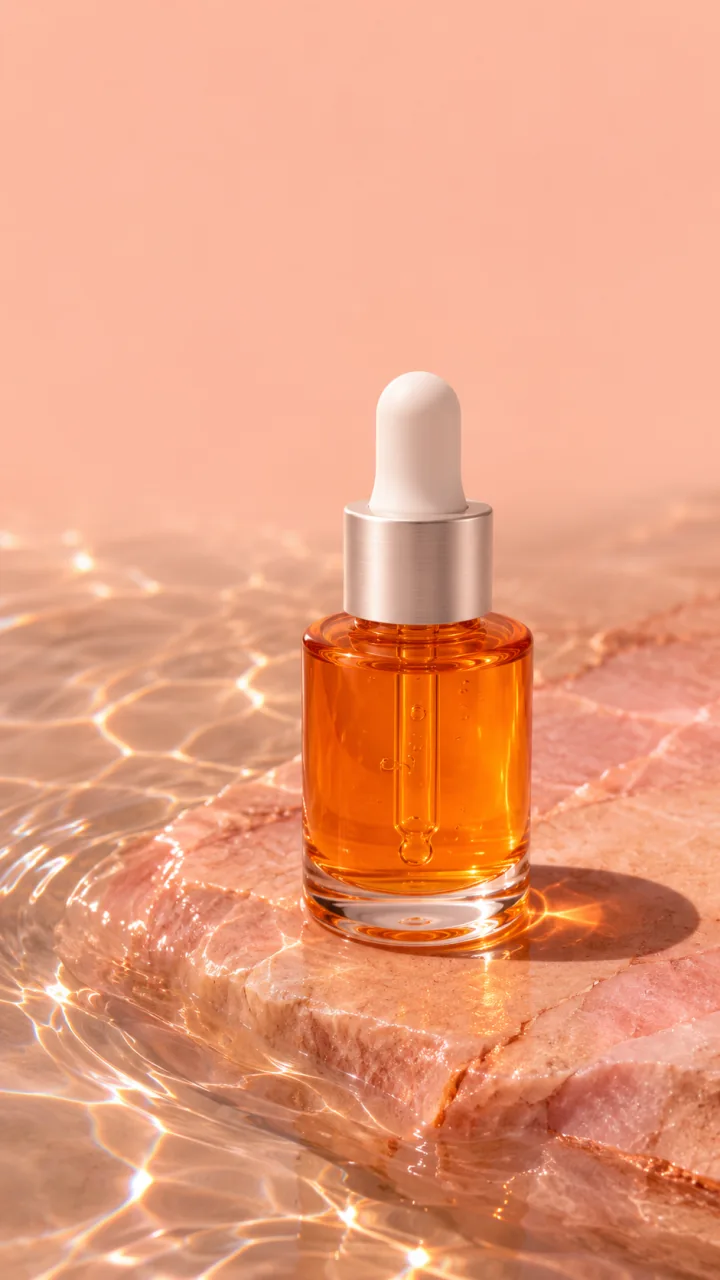 Daily
ritual.
Skincare story
A tall frame leaves space above the bottle for editable wording. Make one background work for a series of social posts.
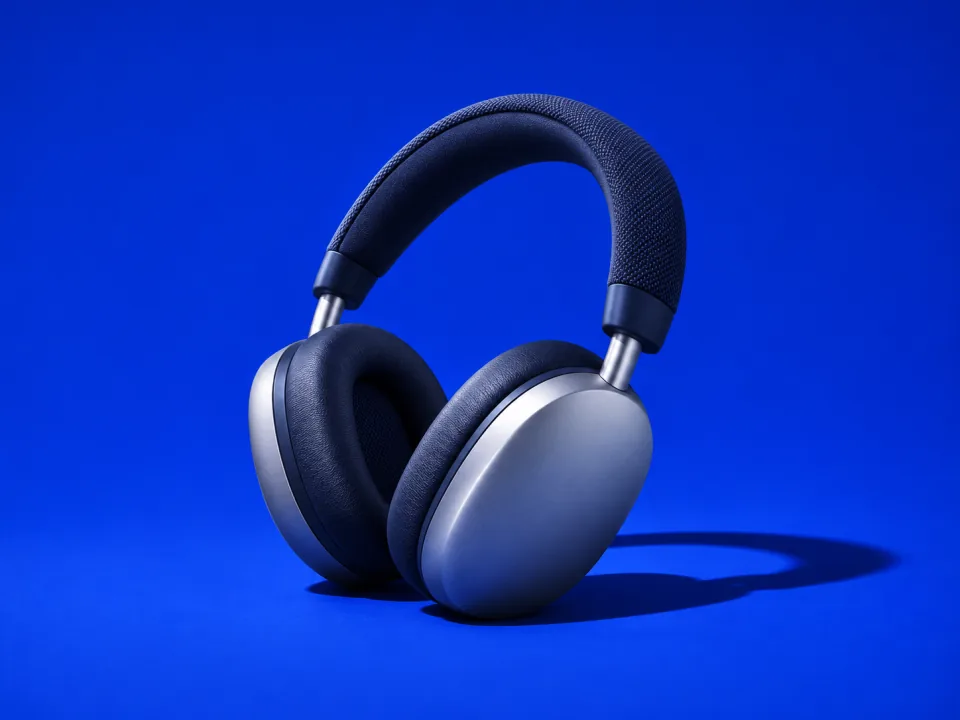
Wireless headphone product photo
The side lighting picks out the metal earcups and woven headband. A plain backdrop keeps the focus on the product.
These are AI-generated campaign examples with illustrative products. The lettering is added separately. In the studio editor you can add your own wording and logo, then download a PNG or JPG.
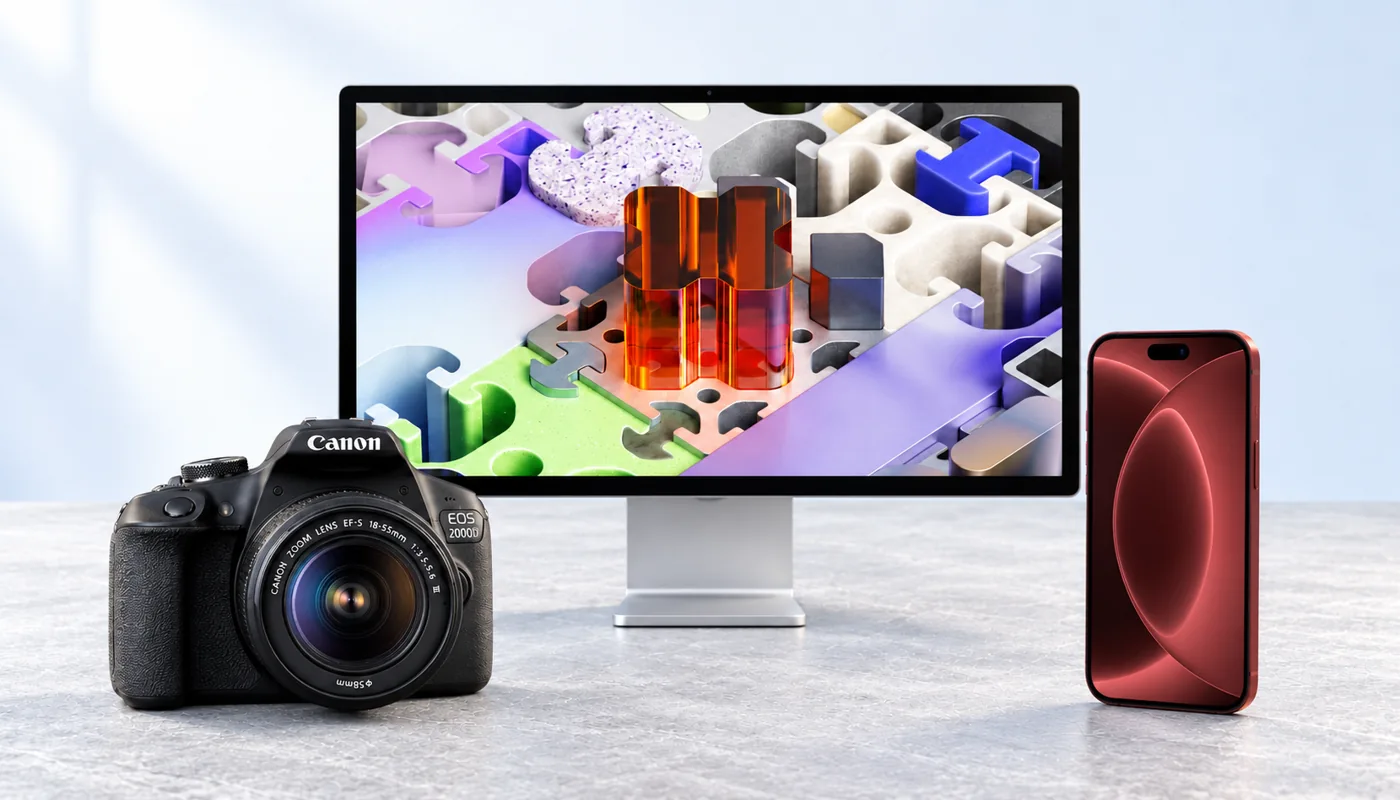
From three photos to one scene
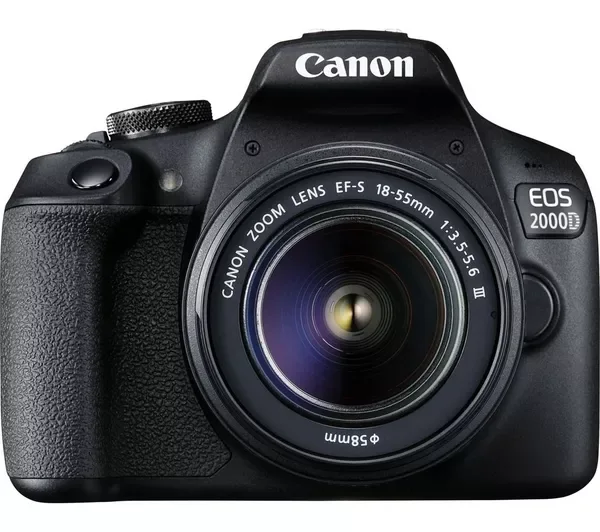
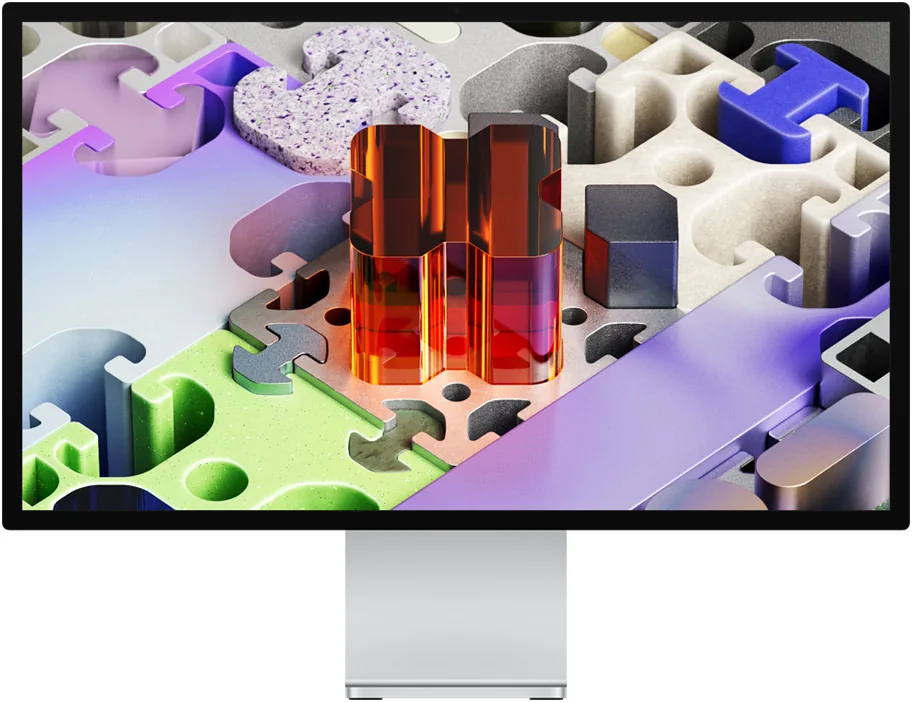
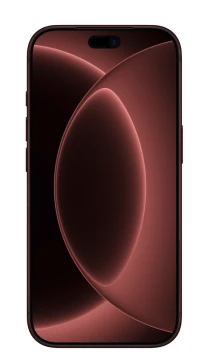
Compare the empty setting with the result, then see the three reference photos below.
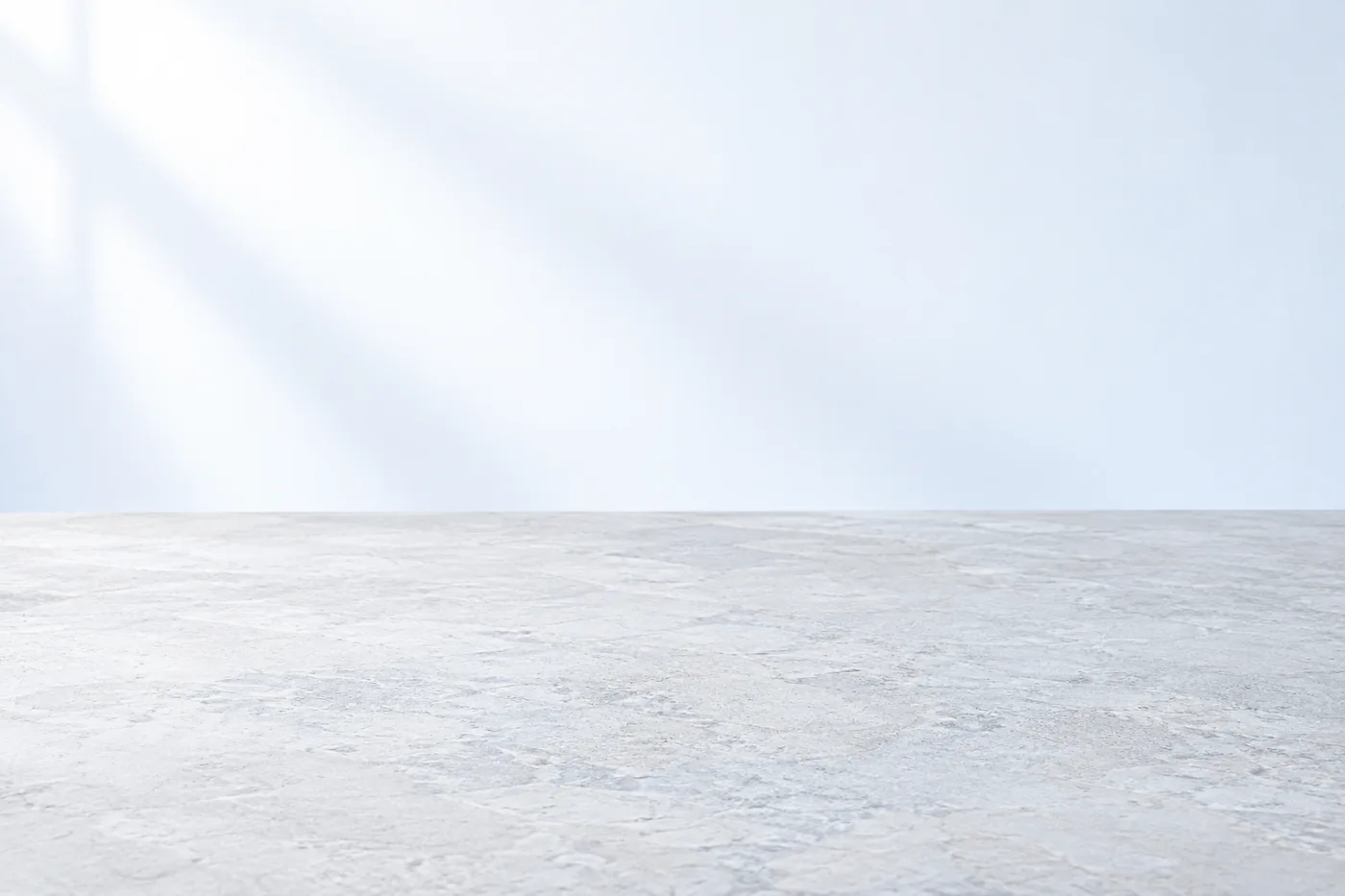
Check the details before publishing
Compare each result with your references, especially the colour, labels and shape of a product you sell. The products in the three-photo example are used for demonstration.
Try your first image.
Get 3 free welcome credits when you verify your email and confirm your optional newsletter signup. One gift per eligible account and mailbox. Daily limits apply.